How does TrackerAlarm work for you as an end customer?
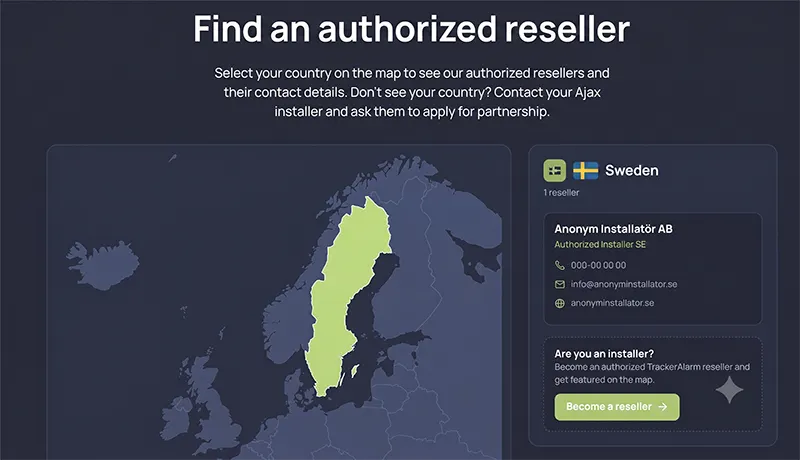
First, you choose your reseller of Ajax alarm systems and TrackerAlarm. Note that you can integrate TrackerAlarm into an Ajax alarm you already own — so you don’t have to buy a new one.
You order your TrackerAlarm kit from your reseller. At this point, the installer creates a user account for you in the TrackerAlarm portal and assigns a GPS unit to your account. You’ll receive an email asking you to verify the account and create a password.
You can already link the GPS unit to your Ajax account directly in the portal and connect it to your specific Ajax hub.
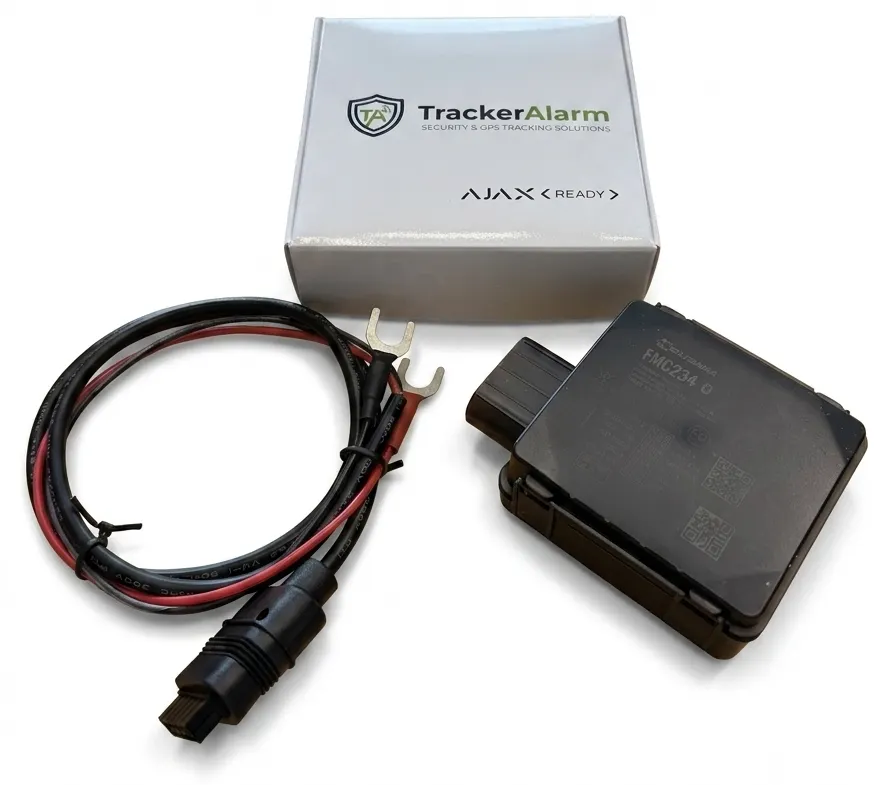
You’ll then receive a box from your TrackerAlarm reseller containing the GPS unit and a 12 V power cable that connects to the terminals on your battery.
Once you've connected the GPS to the battery in your vehicle or boat, it may take a few minutes before the GPS comes online and acquires satellites. Note that the GPS cannot find satellites if your vehicle is parked inside a building.
Our GPS portal
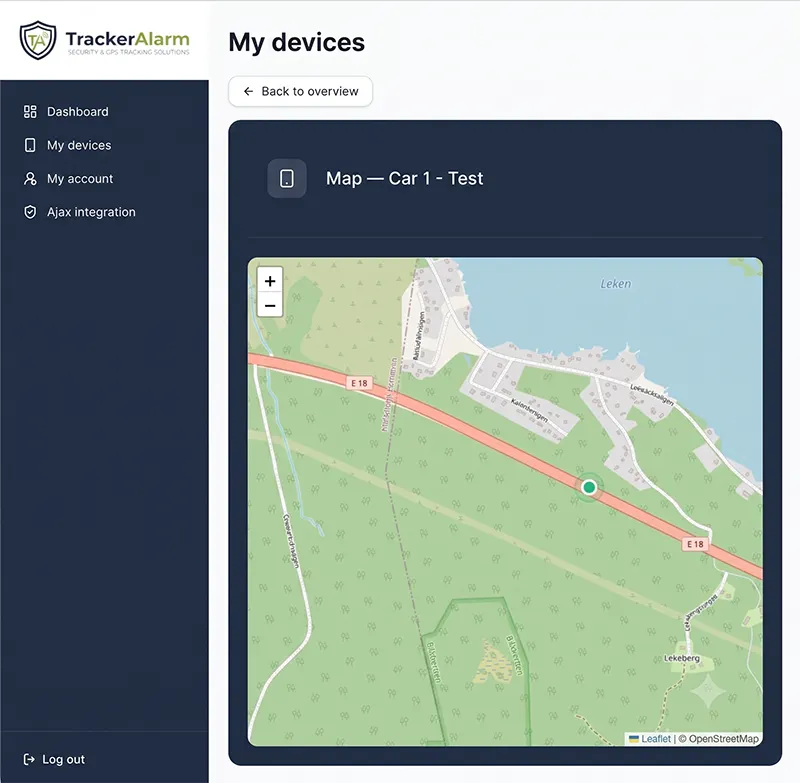
Once logged in to the customer portal, you can already see your GPS status, the number of satellites it’s connected to, the server connection and more. If you have a vehicle or object to protect with geofencing, you set up its zone here. The alarm will then trigger an Ajax alert whenever the GPS is moved outside the defined area.
You can also view real-time tracking directly in the portal.
How the GPS works with the Ajax alarm system
There are a few key functions that are important for you as a customer to understand.
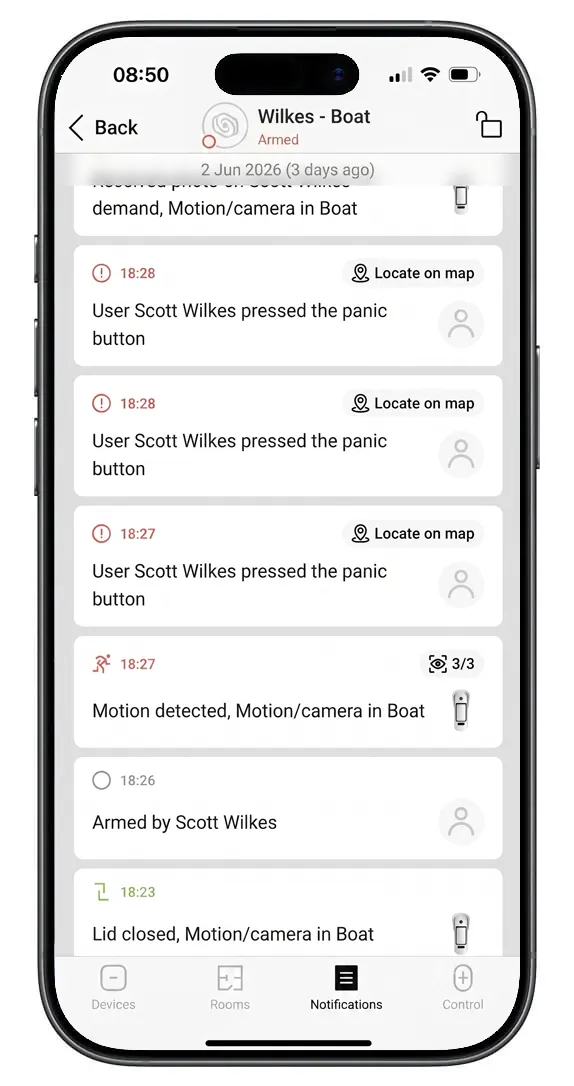
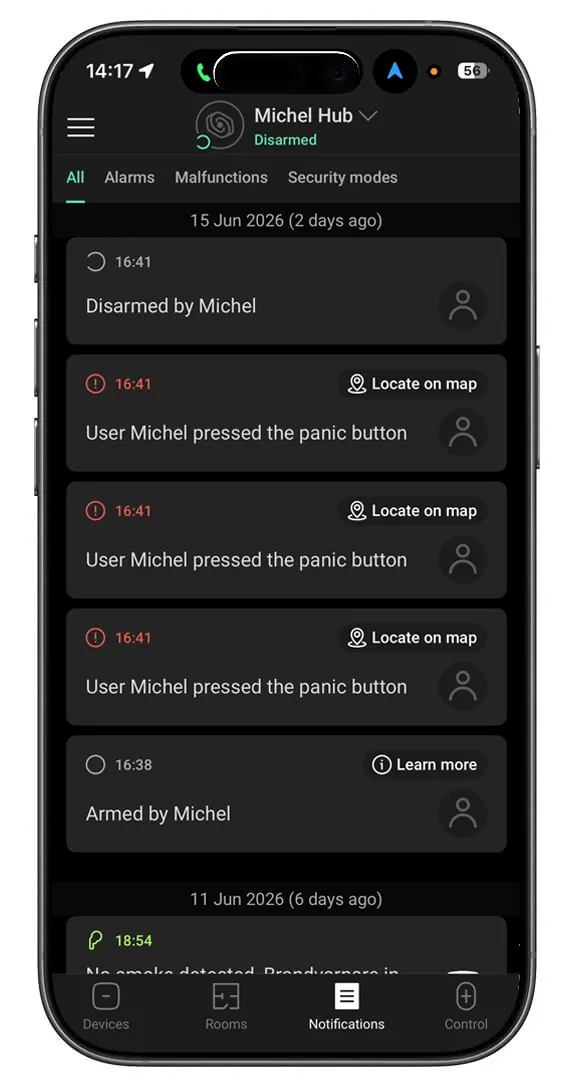
When a detector in an Ajax alarm goes off, the alarm is sent as usual — as a push notification to your phone or to a designated alarm receiving centre. This works exactly as normal and reports, for example, that a motion detector with camera has been triggered. The difference is that you now also receive a notification telling you a panic alarm was triggered the very moment the detector went off.
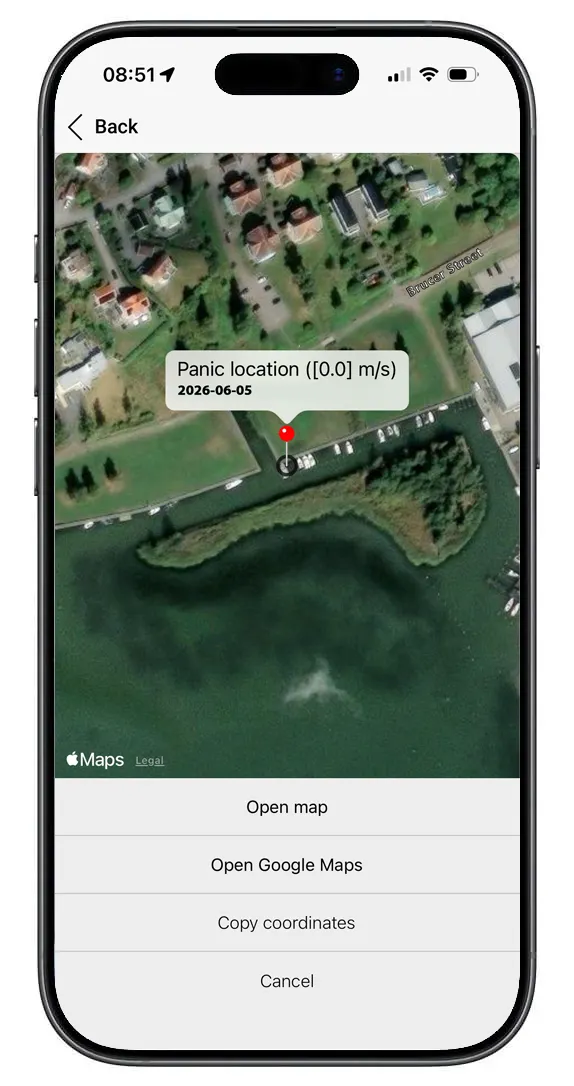
This notification also shows the location where the detector and panic alarm were triggered, so you get an exact position logged with the event.
You can then follow your object directly in your customer portal
When an object is moved out of a preset home/safe zone, the GPS reacts and sends a signal to the Ajax alarm that this has happened. So you can recognise a geofence breach, three panic alarms are sent via your Ajax alarm directly to your phone or to a staffed alarm receiving centre.
You can then follow your object directly in your customer portal.
Ready to get started?
Find a reseller near you and integrate TrackerAlarm with your Ajax alarm system.